
 Clio integration
A partner's-eye view of every matter you run on Clio
Clio runs your cases and billing. Hivelight adds the layer above — one live view of every matter, task, and workload across the firm — so owners and practice managers can see where things stand and act before deadlines slip, without changing how your team works in Clio.
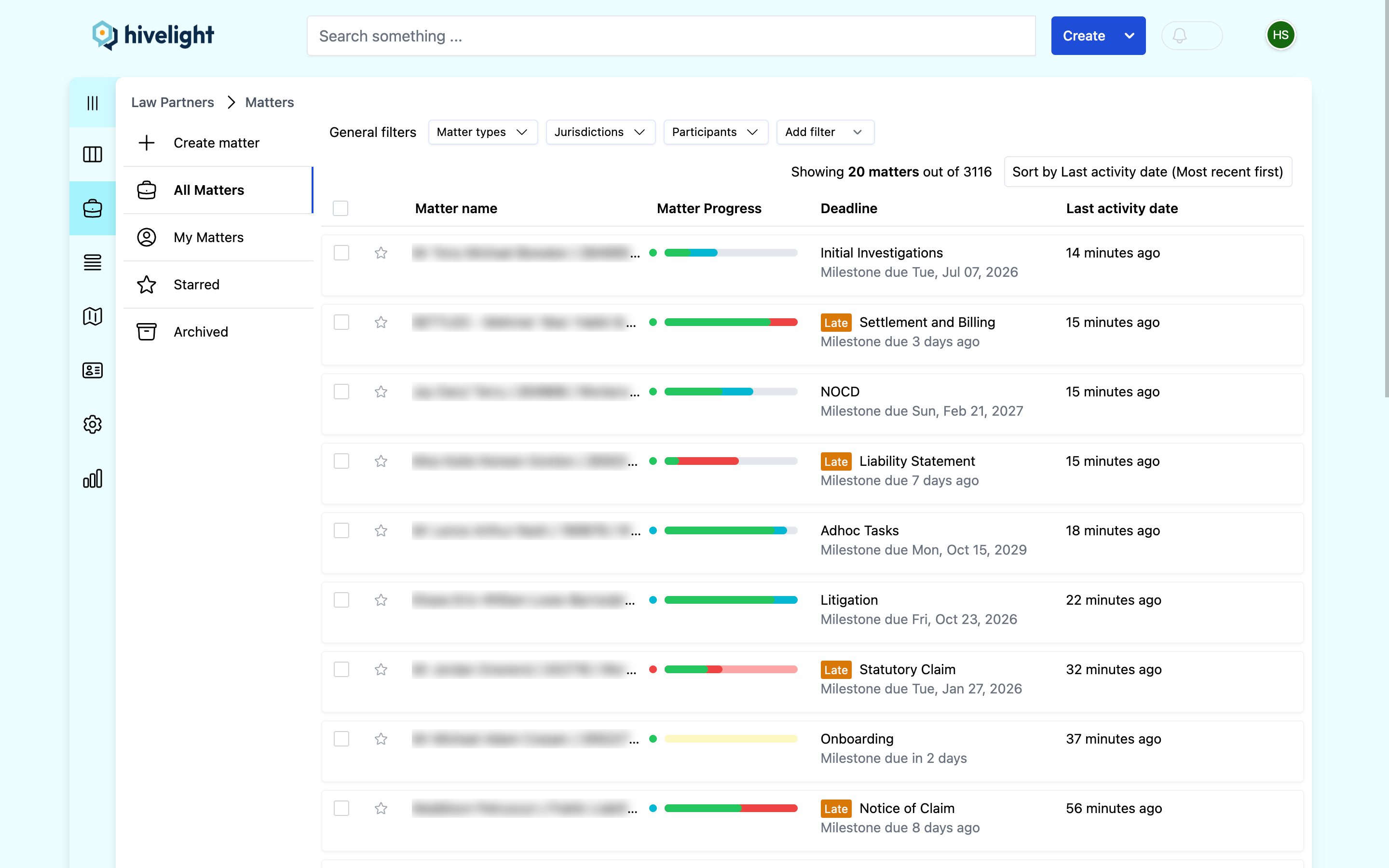
Clio runs the matter. Hivelight adds the view across them all.
Clio is the system your firm runs on — cases, billing, and the record of every matter — and it does that job well. Running the firm day to day is a different job: seeing which matters are at risk this week, who's overloaded, and what's slipping across the whole caseload. Most firms assemble that picture by hand — from spreadsheets, email, and status meetings — and that's the part that strains as you grow.
Hivelight replaces that manual layer with a live, firm-wide view — built on top of Clio, so it's one less thing to chase.
What you get on top of Clio
Your team keeps working in Clio. Owners and managers get the visibility and workload orchestration they've wanted — live, and built on the work your team already does.
See every matter at a glance
A live, colour-coded matter list, sorted by urgency, shows exactly where each matter is up to and what needs attention — so you stop chasing status updates and reading progress out of people's inboxes.
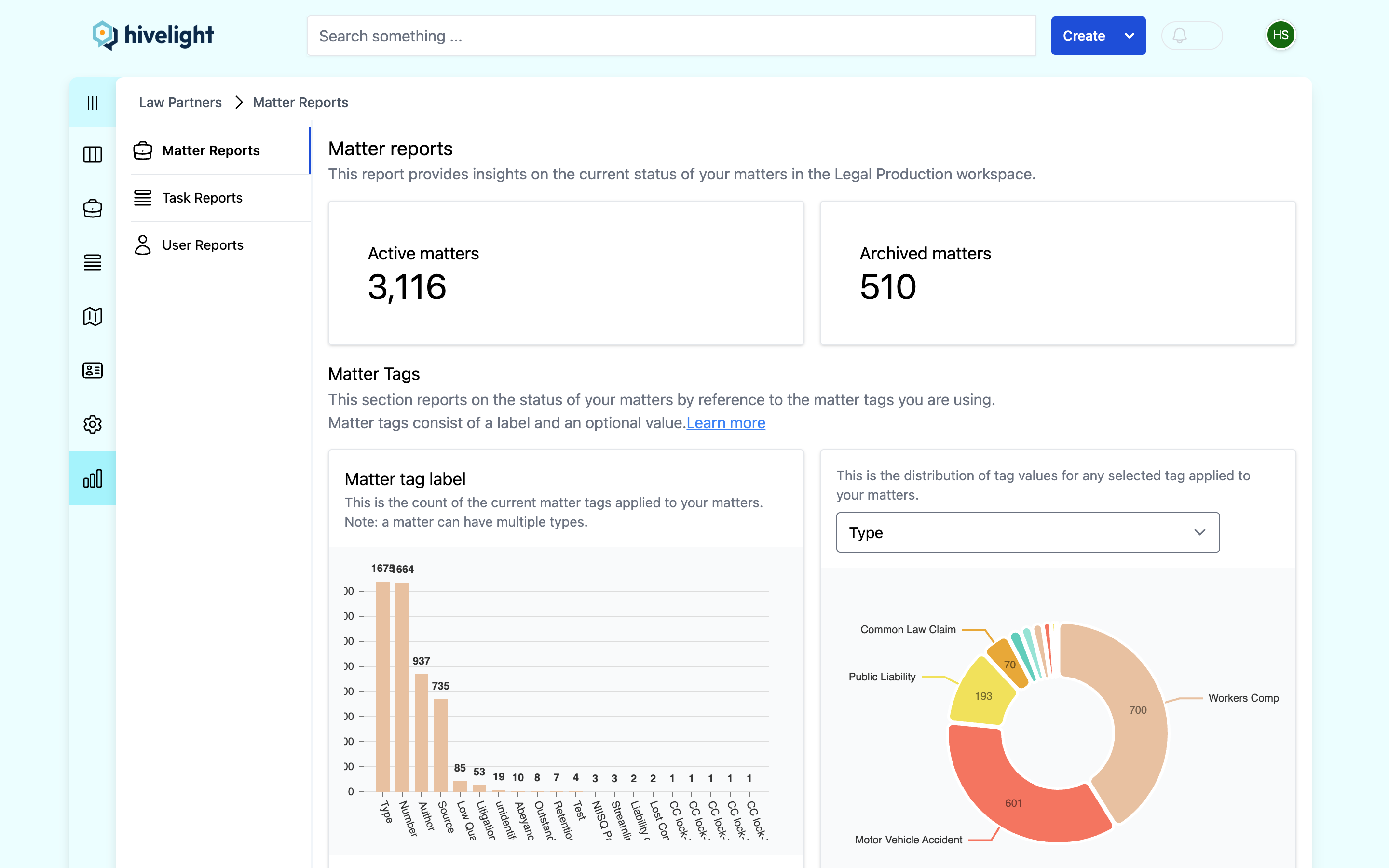
Know who's overloaded — and who isn't
See workload and capacity across the whole team in one place. Allocate the next piece of work to the person who can actually take it, and plan hiring and leave against real demand instead of gut feel.
Make your management time count
Manage by exception. Attention flows to the matters and milestones genuinely at risk, while on-track work runs itself — with a clear accountability trail of who's doing what.
How Hivelight works with Clio
Hivelight runs alongside your Clio Manage account as the coordination layer on top. Your team keeps working in Clio; leadership gets the view above.
Connect Hivelight to Clio
Hivelight sits on top of your Clio Manage account as the layer above. No rip-and-replace — your fee-earners keep working exactly as they do now.
Deploy work with flexible workflows
Apply reusable checklists, broken into stages, to any matter at any time. Work is assigned by role and seniority — and re-routes automatically when the team changes, so nothing gets dropped.
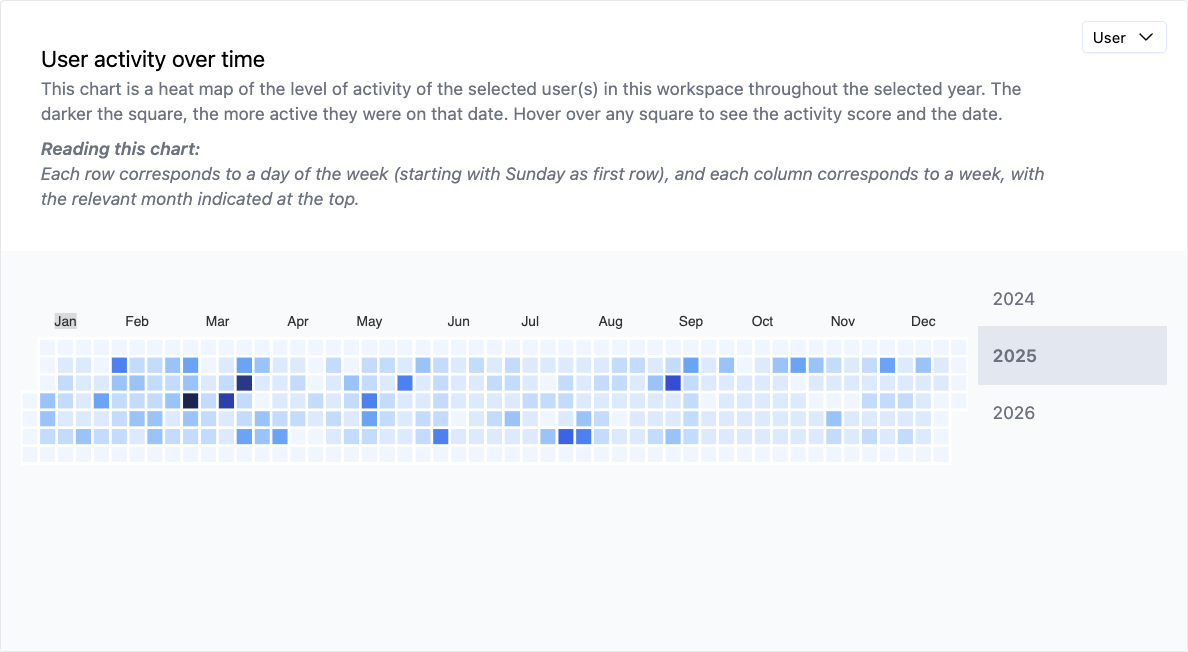
See it all, and report by default
Track every matter against its deadlines on a live, colour-coded board. Manage by exception, and let the reporting write itself as the work gets ticked off.
Already run Clio? Find Hivelight in the Clio marketplace.
Why it works when other tools get abandoned
Rigid add-on tools get dropped, and then the work goes undocumented. Hivelight is built to actually get used.
Nothing gets dropped when the team changes
Uncommon in legal: when someone leaves or is swapped off a matter, their tasks route automatically up the chain to the next appropriate person — not into a void.
Workflows people will actually maintain
A Hivelight workflow is a clear checklist broken into stages, not the brittle, branching builders you find in older tools. Easy to build, easy to keep current — update the template and the change flows into the un-started parts of live matters.
When a date moves, the plan moves
Shift a court date, filing deadline, or settlement date and cascade the change through every downstream milestone and task in one action — so the plan stays true to the matter.
“Hivelight made it easy for us to keep track of everything. I can now see, at a glance, exactly where each matter is up to and what needs attention.”
Frequently asked questions
Is Hivelight a replacement for Clio?
No — the opposite. Hivelight runs on top of Clio. Clio stays your practice management system for cases and billing; Hivelight adds the firm-wide visibility, workload, and workflow layer above it.
Do our lawyers have to change how they work in Clio?
No. Fee-earners keep working in Clio. Hivelight is mainly for the people coordinating and reporting on the work — partners, principals, and practice managers — though the whole team benefits from clearer, prioritised task lists.
Does Hivelight do billing or trust accounting?
No, by design. Billing, trust accounting, and the document and matter record stay in Clio. Hivelight is deliberately the layer for managing, allocating, and reporting on the work itself.
What does Hivelight add to Clio?
A live, colour-coded view of where every matter is up to; team workload and capacity so you can allocate work well; and reporting that's a by-product of the work. It builds on the matters your team already runs in Clio — so you get more from your Clio investment, not a second system to maintain.
See Hivelight on top of your Clio.
Start free and get the framework owners and managers run on — the visibility and workload orchestration you've wanted, alongside the Clio you already use. Need bespoke reporting or automation? Our team can build it for you.
Start freePrefer to see it first? Request a demo.